 CoAPP
CoAPPCoAPP Desktop / For Mac
Copilot, with
room to work.
A dedicated workspace for Microsoft 365 Copilot. Keep your conversations organized, compare answers from your agents, and pick up where you left off.
Working with your agents
A second opinion.
In the same window.
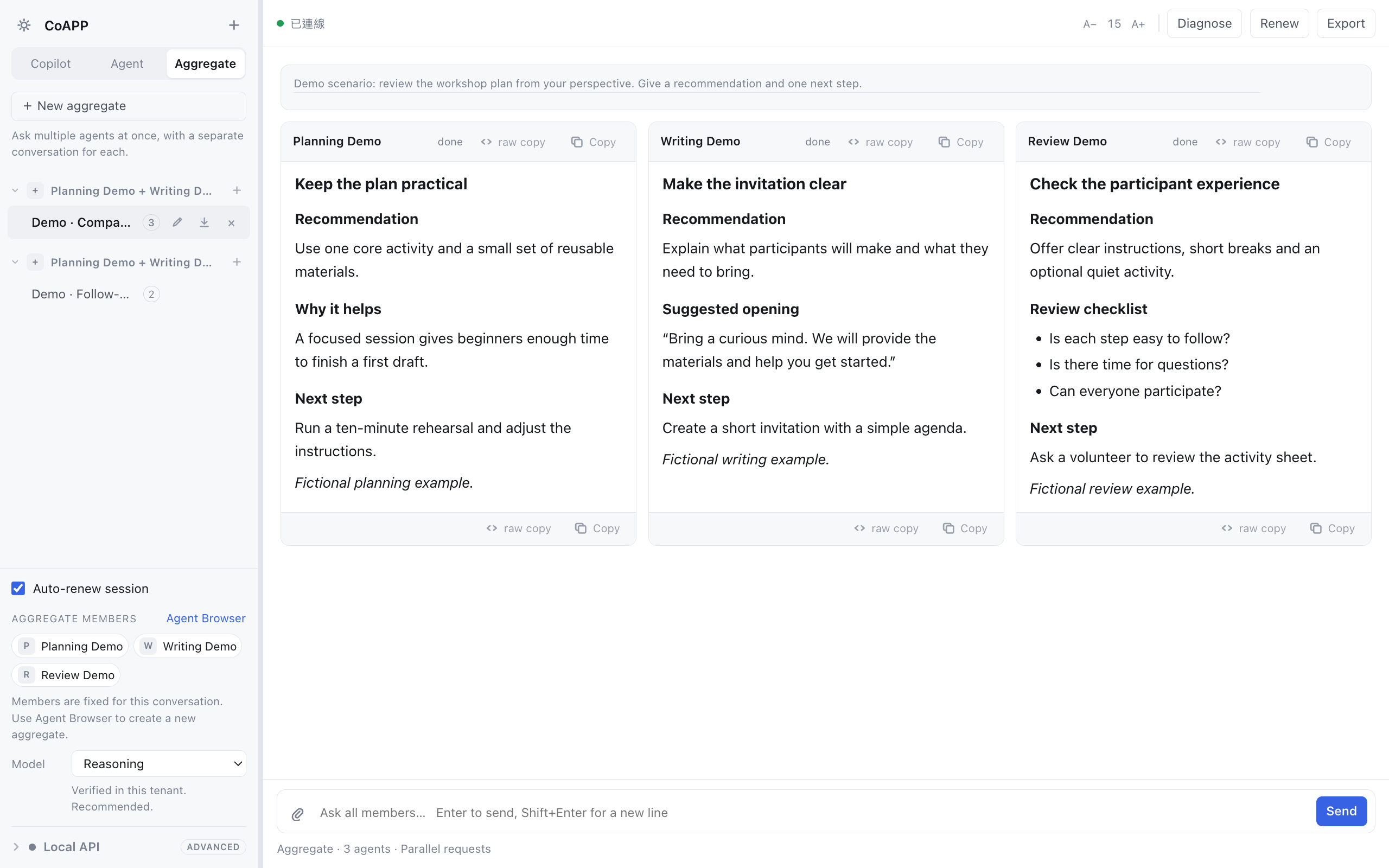
Choose agents you already have access to, then send them the same question in Aggregate. Read their responses side by side. Follow up with the group while each agent retains its own thread and context.
Let the next question wait.
Write a follow-up while an answer is still arriving. CoAPP queues it until the current turn finishes. In Aggregate, that means waiting for every selected agent. You can remove a waiting question or stop a task.
Keep the files with the conversation.
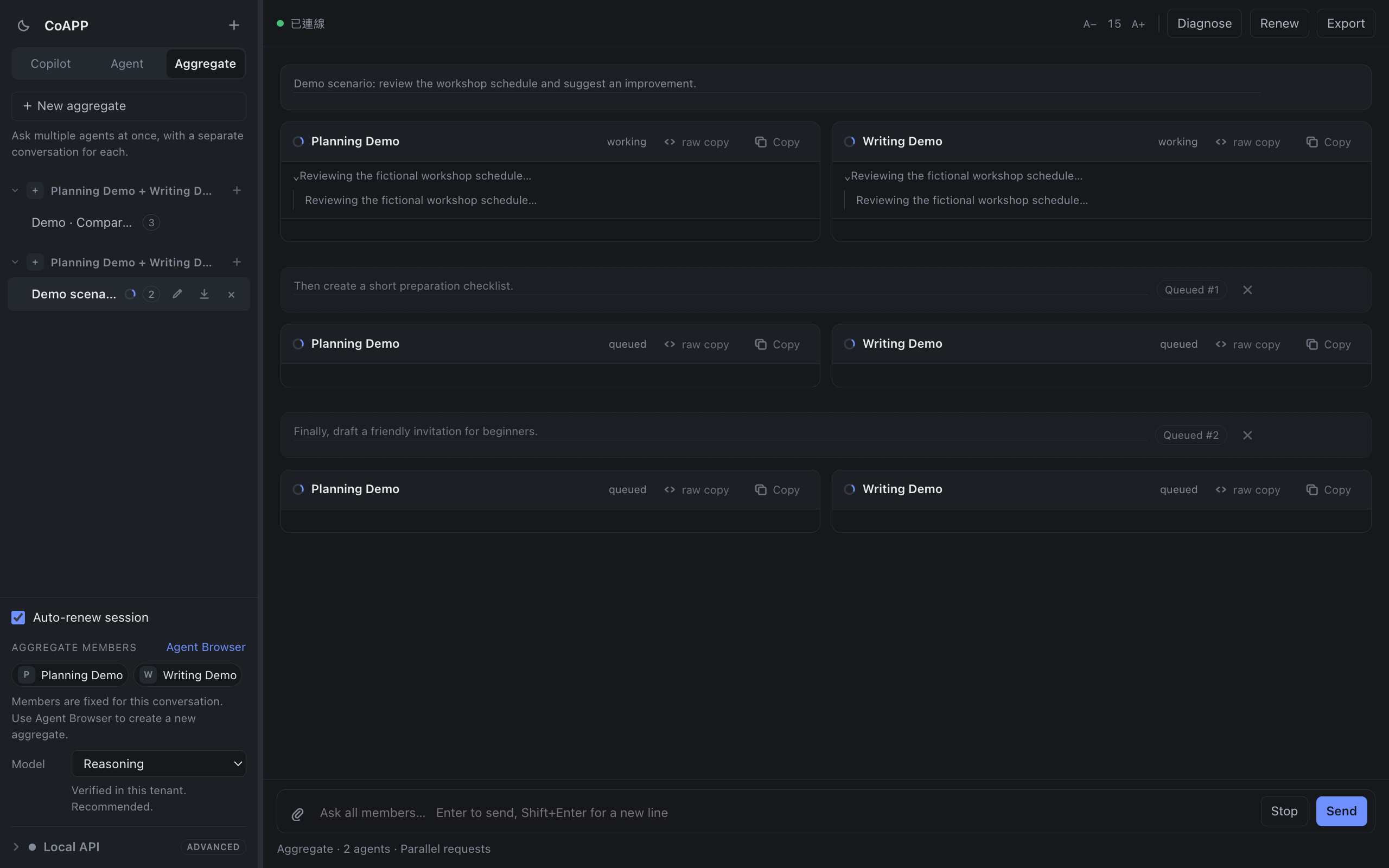
Attach a document to your question, preview supported files, and download the files returned with a reply. Each follow-up keeps its own download controls, so you can find the right version later.
- A place for each thread
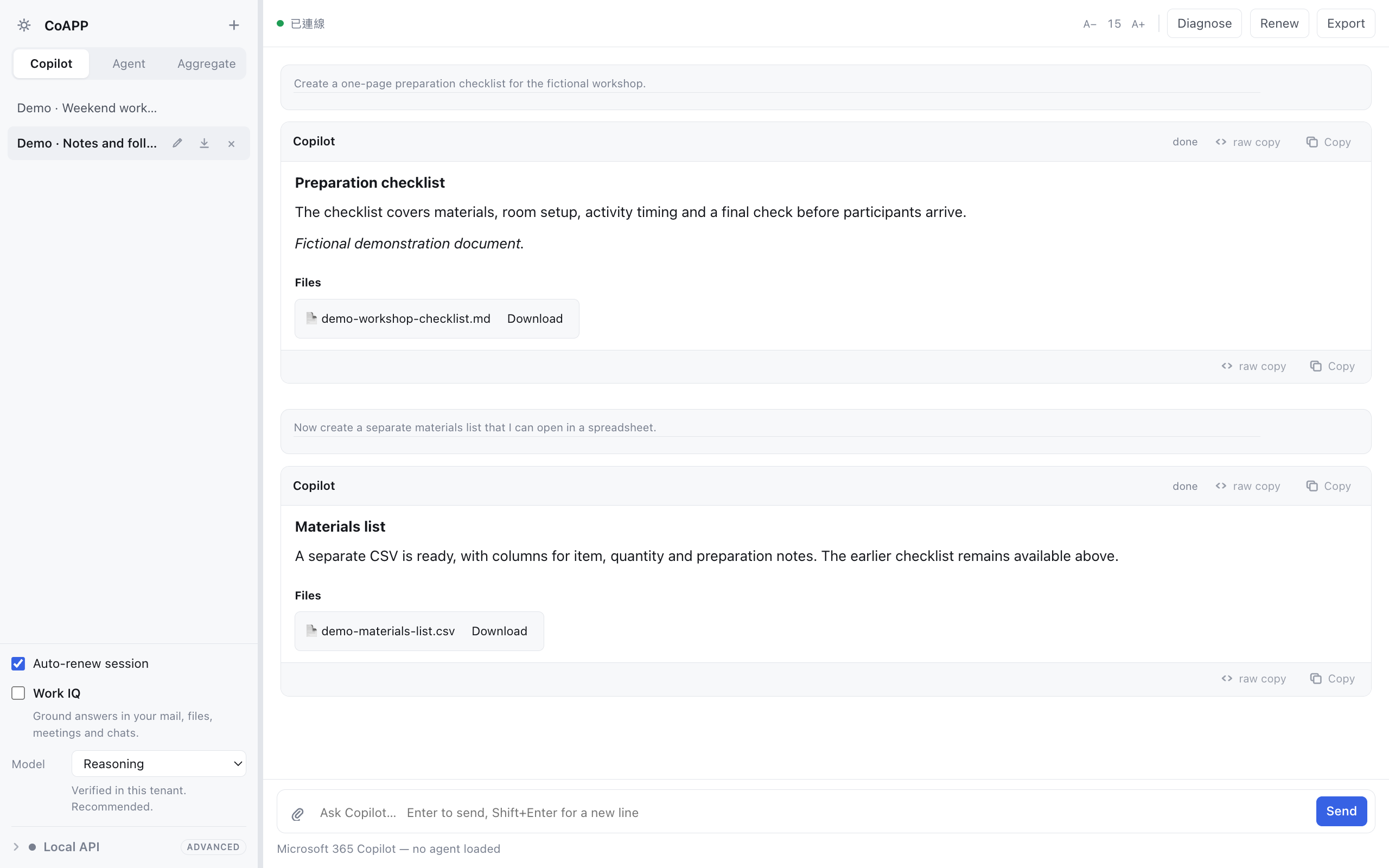
- Keep Copilot conversations, individual agents and Aggregate groups in separate spaces. Return to an earlier question without starting over.
- A copy you can keep
- Export a conversation as Markdown for your notes, an editor or a project folder.
- Your preferred view
- Switch between light and dark appearance and adjust the text size for your screen.
Requirements
Before you begin.
A Mac running macOS 13 or later.
Supports Intel and Apple silicon.
You’ll need an internet connection and a Microsoft account with access to Microsoft 365 Copilot. Sign in to Microsoft inside CoAPP.
Available agents, files and work information depend on your Microsoft license and your organization’s policies.
Is Microsoft 365 included?
No. CoAPP does not include a Microsoft subscription or provide access to content outside your existing permissions.
Where are my questions and files processed?
Prompts and attachments are sent to the Microsoft services you sign in to. CoAPP also saves conversation history and preferences on your Mac. The privacy policy explains this in detail.
Can other tools connect to CoAPP?
An optional Local API lets compatible tools on your Mac use CoAPP through a pairing token. It is off by default. Only enable it for tools you trust; their requests use your signed-in Microsoft access.
Are the agents in the screenshots included?
The screenshots use fictional agent names, conversations and documents. Your available agents come from your Microsoft account and organization.
A question about CoAPP?
For setup, availability or help with the app, write to TSUGAS.